Starter
Free
Up to 2 users included · then £3.00 per additional user
- Core workforce management tools
About WorkPulse
WorkPulse is the company system for time, screenshots, app and website usage, tasks, payroll and reports — used from the web, Windows Desktop 5.1 and mobile.
One connected workday
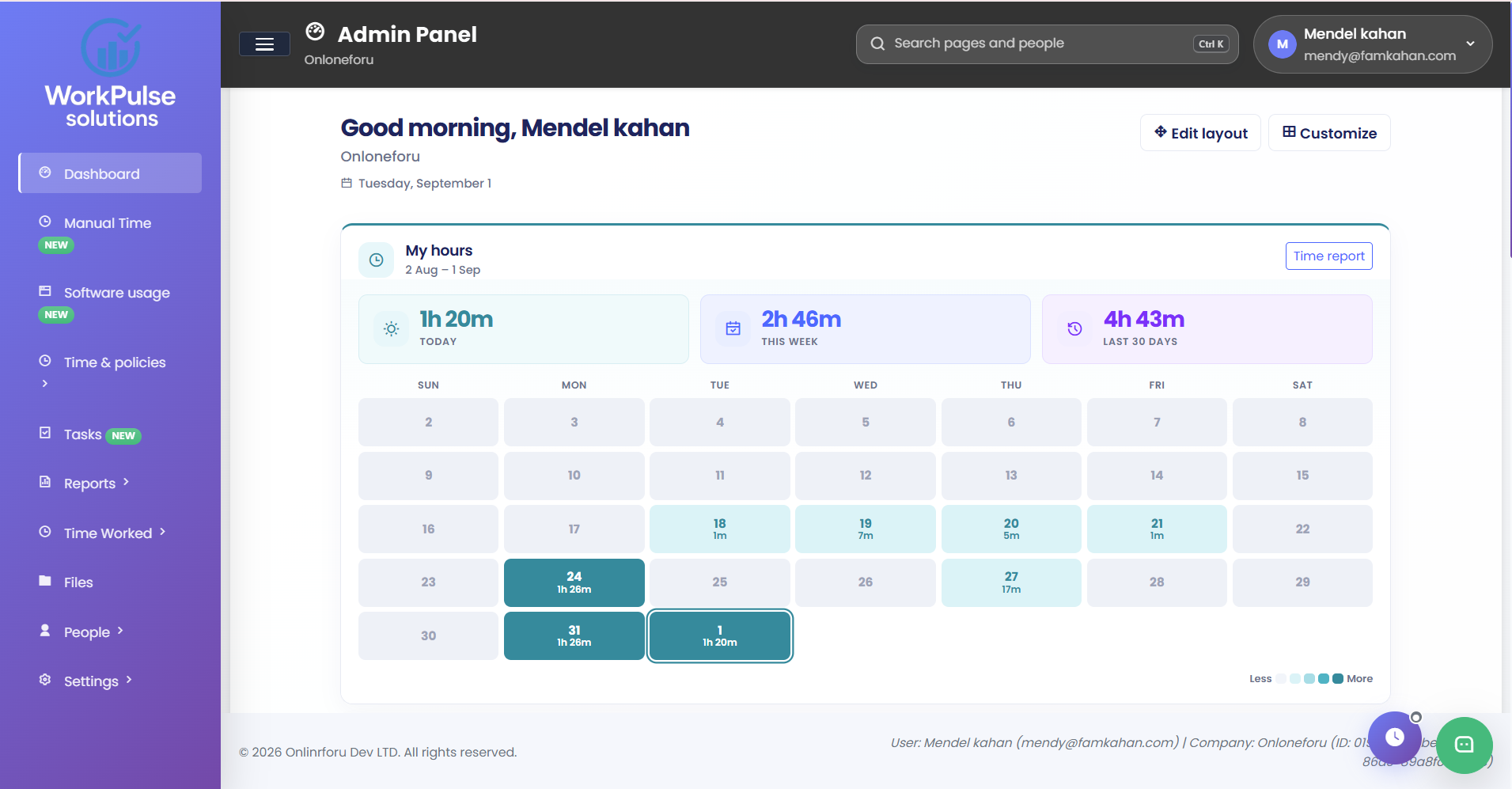
From your team's first tracked hour to your next decision. Bring time, activity and projects together in one company workspace.
Start a session on Windows or Android. Keep tracked hours connected to the person and the project.
Review timesheets, screenshots and app usage. See where time went and give the numbers context.
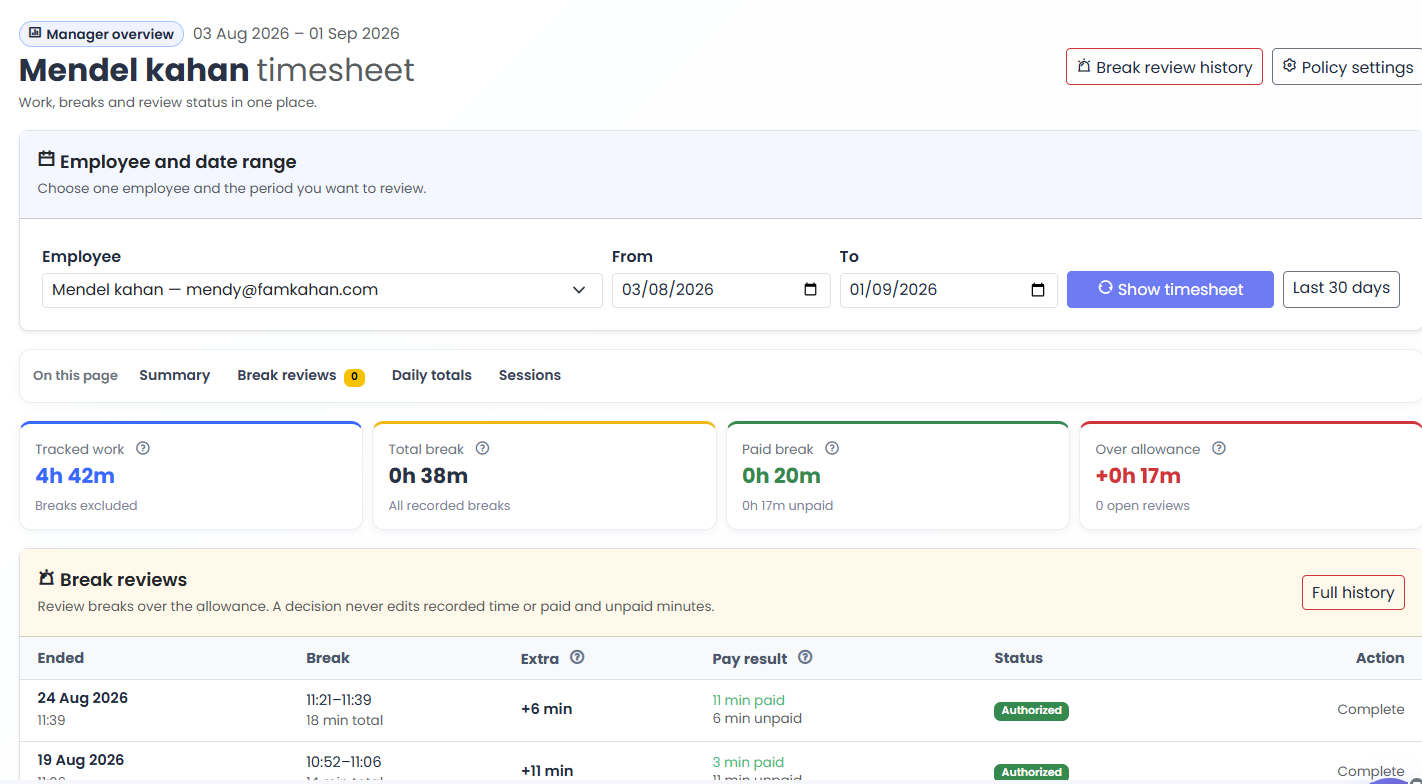
Review breaks, apply company policies and prepare payroll from the hours your team has recorded.
Plans
Every active plan is free for up to two users. Compare working features — including desktop tracking, usage, payroll and scheduled emails — and the configured price for additional users.
Up to 2 users included · then £3.00 per additional user
Up to 2 users included · then £5.00 per additional user
Up to 2 users included · then £7.00 per additional user
2 users included · £10.00 per additional user
Start any active plan with up to two users at no base charge.
Plans can include additional paid users when that price is configured.
Get practical help with setup and product questions.
Common questions
Time tracking, Windows Desktop 5.1 screenshots and focused-tab URLs, app and website usage, tracking policies, tasks, payroll, scheduled report emails, and the company dashboard.
No. Desktop 5.1 reads the focused tab on Windows and stores the website host. Managers review that usage in the company workspace.
Yes. The web workspace sits alongside Windows desktop, Android mobile tracking and TimeStation clock-in.
Each company is a separate tenant. Role-based permissions control who can view captures, classify software, or run payroll.
Yes. Contact our team and we can discuss your workflow, desktop rollout and the most suitable plan.
Set up a workspace, or talk through Desktop 5.1, usage and payroll with us.